30-DAYS LIVE ONLINE PROGRAM

Enroll Your Child in the AI App Program

Give your child the opportunity to turn creative ideas into real apps using AI — even without prior coding or programming experience.

Laptop Required 1 Hour Daily Live Classes In Hindi
₹3,000 100% Refund Till the First 3 Classes
📅
Next Batch Coming soon
⏰
Timing 5 PM - 6 PM | Live
7 PM - 8 PM | Live
⚡
Seats Limited to 100 Students
Batch Status 82% Filled
FOR CURIOUS STUDENTS & FUTURE INNOVATORS

Who Can Join?

School Students (Classes 6–12)

Help your child develop practical AI skills, explore technology, and learn how to turn creative ideas into real apps.

Start Learning AI →

Creative Thinkers

Encourage your child to turn imagination into real-world projects and discover new ways to solve problems using AI.

Explore New Ideas →

Future Innovators

Help your child understand how apps are created and learn to build digital solutions for real-world problems.

Build With AI →

Young Problem Solvers

Give your child the opportunity to identify everyday problems, develop app ideas, and use AI to create practical solutions.

Solve Real Problems →

Beginners With No Coding Experience

No prior coding or technical background required. Your child can learn step by step through live online classes and hands-on projects.

Beginner-Friendly Learning →
PROGRAM REQUIREMENTS & AT A GLANCE

Everything Your Child Needs to Get Started

📅
Duration

30 Days

A structured, step-by-step learning journey where your child explores AI and learns to build their own app.

⏰
Daily Commitment

1 Hour Daily

Live online classes designed to fit alongside your child's school schedule.

💻
Requirements

Laptop Required

A working laptop and internet connection for hands-on learning and app-building activities.

💳
Program Fee

₹3,000

One-time payment for the 30-days program, including live classes and practical project-based learning.

READY TO HELP YOUR CHILD BUILD WITH AI?

Help your child turn ideas into real apps in 30 days

Limited seats available for the upcoming live batch.

ENROLL YOUR CHILD
30-DAYS STEP-BY-STEP ROADMAP

Curriculum & Day-by-Day Plan

Help your child learn how to turn ideas into real apps using AI through 4 weeks of structured, hands-on learning.

Week 1 Basics & Your Idea Days 1 – 7
Day 1

Welcome & Setup

  • •What is an app and how does it work?
  • •Meet the free AI tools and create your accounts
Day 2

How to Talk to AI

  • •Write simple, clear instructions for AI
  • •Get better answers with small changes
Day 3

Find Your App Idea

  • •Find a problem people want solved
  • •Pick the idea you will build
Day 4

Plan Your App

  • •List what your app should do
  • •Make a simple plan with AI
Day 5

Design with AI

  • •Choose colors and style
  • •Create app screens using free tools
Day 6

Your First App

  • •Build a small app with one instruction
  • •Change it just by chatting with AI
Day 7

🚀 Mini Project 1

  • •Build a simple tool like a planner or calculator
  • •Share it with your friends
Week 2 Build Real Apps Days 8 – 14
Day 8

Build with AI Builders

  • •Use tools like Lovable and Bolt
  • •Create a full app from your plan
Day 9

Choose the Right Tool

  • •Compare the free tools
  • •Pick the best one for your idea
Day 10

Fix Problems with AI

  • •What to do when something goes wrong
  • •Ask AI to fix it for you
Day 11

Add More Pages

  • •Add menus, pages and forms
  • •Make your app complete
Day 12

Make It Look Great

  • •Make it work well on phone and computer
  • •Add your logo, colors and style
Day 13

Save Your Work

  • •Keep your project safe online with GitHub
  • •Go back to older versions if needed
Day 14

🚀 Mini Project 2

  • •Build an app for a small business, like a booking or shop app
  • •Put it online for free
Week 3 Make Your App Smart Days 15 – 21
Day 15

Save Information

  • •Where your app stores its data
  • •Set up a free database
Day 16

Login & Signup

  • •Let people create an account
  • •Keep each person's data private
Day 17

Add, Edit & Delete

  • •Let users manage their own data
  • •Build a simple admin page
Day 18

Photos & Files

  • •Let users upload photos and files
  • •Show them inside your app
Day 19

Add AI Inside Your App

  • •Add a chatbot or AI helper
  • •Use a free AI key safely
Day 20

Connect Other Tools

  • •Connect Google Sheets and email
  • •Understand how online payments work
Day 21

🚀 Mini Project 3

  • •Build a complete app with login, data and AI
  • •Put it online and test it with friends
Week 4 Launch & Earn Days 22 – 30
Day 22

App on Your Phone

  • •Make your app work like a phone app
  • •Install it on your own phone
Day 23

Mobile Apps Without Code

  • •Build a phone app with free no-code tools
  • •Test it on a real phone
Day 24

Test & Keep It Safe

  • •Check your app for mistakes
  • •Protect passwords and private keys
Day 25

Play Store Basics

  • •Steps to publish on Google Play
  • •Write your app description and policy with AI
Day 26

Go Live

  • •Get a web link for your app
  • •Help people find it on Google
Day 27

Earn with Your App

  • •Promote your app using AI
  • •Ways to earn: selling apps and subscriptions
Day 28

Final Project (Part 1)

  • •Choose your idea and plan it
  • •Start building
Day 29

Final Project (Part 2)

  • •Finish, fix and polish your app
  • •Put it online
Day 30

🎓 Demo Day

  • •Show your app to everyone
  • •Next steps to keep learning and building with AI
EXPERT LIVE MENTORSHIP

Meet Your Child’s Trainer

Priya Verma - AI App Expert & Trainer
Lead Instructor & Mentor
AI App Expert & AI Educator

Priya Verma

Your child will learn directly from an experienced AI expert who has built and launched multiple apps using AI and trained thousands of students to turn their ideas into real-world applications through live guidance and practical, hands-on sessions.

🚀 10+ AI Apps Built & Launched
🎓 Thousands of Learners Mentored
⚡ 100% Live Practical Guidance
CELEBRATE YOUR CHILD’S ACHIEVEMENT

Recognize Your Child’s AI Skill

Upon completing the 30-days AI App Program, your child will receive a certificate recognizing their learning journey and practical AI app development skills.
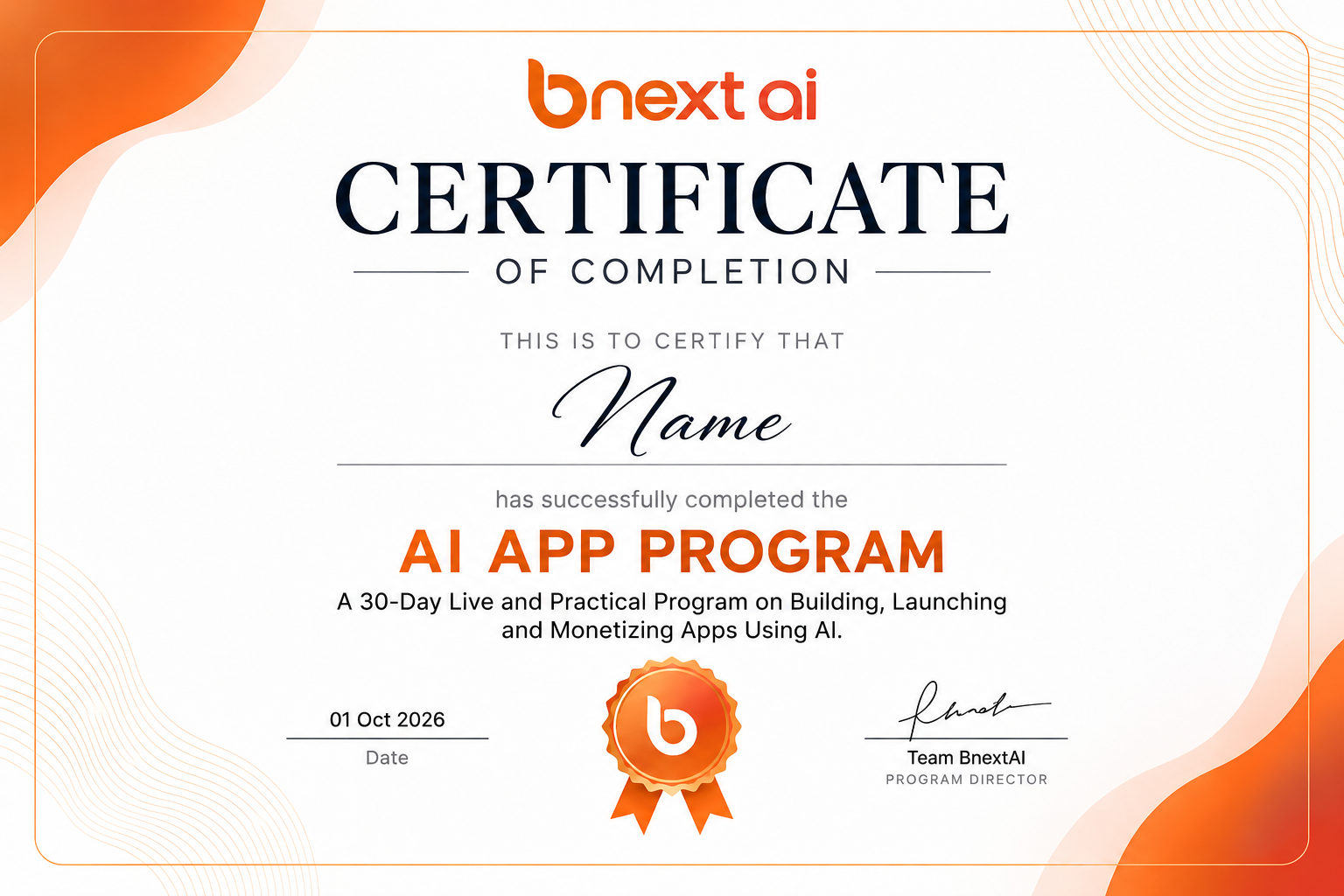
BNEXT AI App Program Official Sample Certificate
✓ Shareable with Family & Schools ✓ Practical Project Recognition ✓ Official Verified Credential
GOT QUESTIONS? WE HAVE ANSWERS

Frequently Asked Questions

Everything parents need to know about the AI App Program, requirements, and live classes.

Does my child need coding or programming experience?

No. The program is beginner-friendly and teaches students how to use AI tools to build apps without traditional coding experience.

Does my child need a laptop?

Yes. A laptop or desktop computer and a stable internet connection are required for hands-on learning and app-building activities.

What will my child build during the program?

Your child will work on an app idea, learning how to plan, design, build, and test an application using AI.

Are the classes completely live?

Yes. The program runs for 30 days, with one-hour live online classes daily.

Can my child launch an app on the Play Store or App Store?

Yes, your child will learn how to build and launch an app, reach users, and explore ways to monetize it.

🚀 GIVE YOUR CHILD THE SKILLS OF TOMORROW

Help Your Child Build an App Using AI.

Try the first 3 live classes. If it’s not the right fit, you get a full refund, no questions asked.

💻 Laptop Required ⚡ No Coding Experience Needed 🚀 30-Days Live Program